
Download Skydeck App – Drone Mission Management, Flight Operations, Data Upload, Secure Login
Overview
The SkyDeck App is a specialized mobile solution designed for drone pilots who require efficient mission management and seamless data integration. Its primary purpose is to streamline the end-to-end workflow of drone operations by allowing users to access, execute, and report on assigned missions directly from their mobile devices. The app serves as a bridge between field operations and the SkyDeck web platform, ensuring that mission data is consistently synchronized and readily available for analysis.
For professionals managing multiple drone flights—such as surveyors, inspectors, or environmental researchers—this app addresses the challenge of fragmented task tracking and delayed data reporting. By centralizing mission access and execution within a single interface, it reduces operational friction and supports timely decision-making. The target users are certified drone operators who already hold SkyDeck login credentials and are integrated into a structured mission workflow.
While the developer's background is not publicly disclosed, the app's focus on secure authentication and mission integrity suggests a professional development approach. Real-world use cases include infrastructure inspections, agricultural monitoring, and construction site surveys, where timely mission execution and accurate data upload are critical. In the broader app ecosystem, SkyDeck App fills a niche by offering a mobile-first complement to a web-based drone operations platform, enhancing accessibility and real-time responsiveness for field teams.
Key Features & Functionality
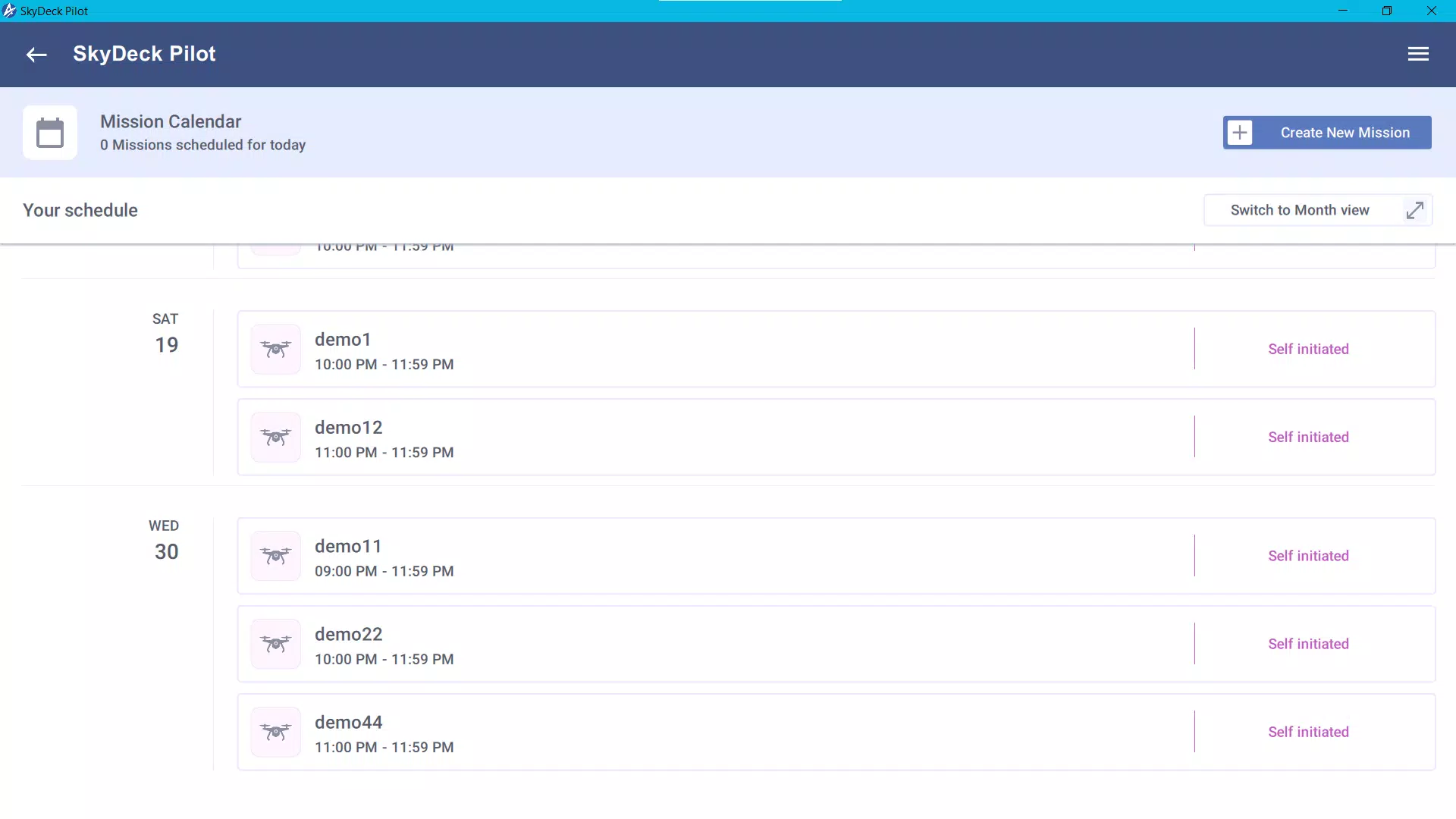
- Mission Management: Pilots can view all assigned missions in real time, allowing for dynamic prioritization and organization. This feature is especially useful when managing overlapping or time-sensitive operations across different locations.
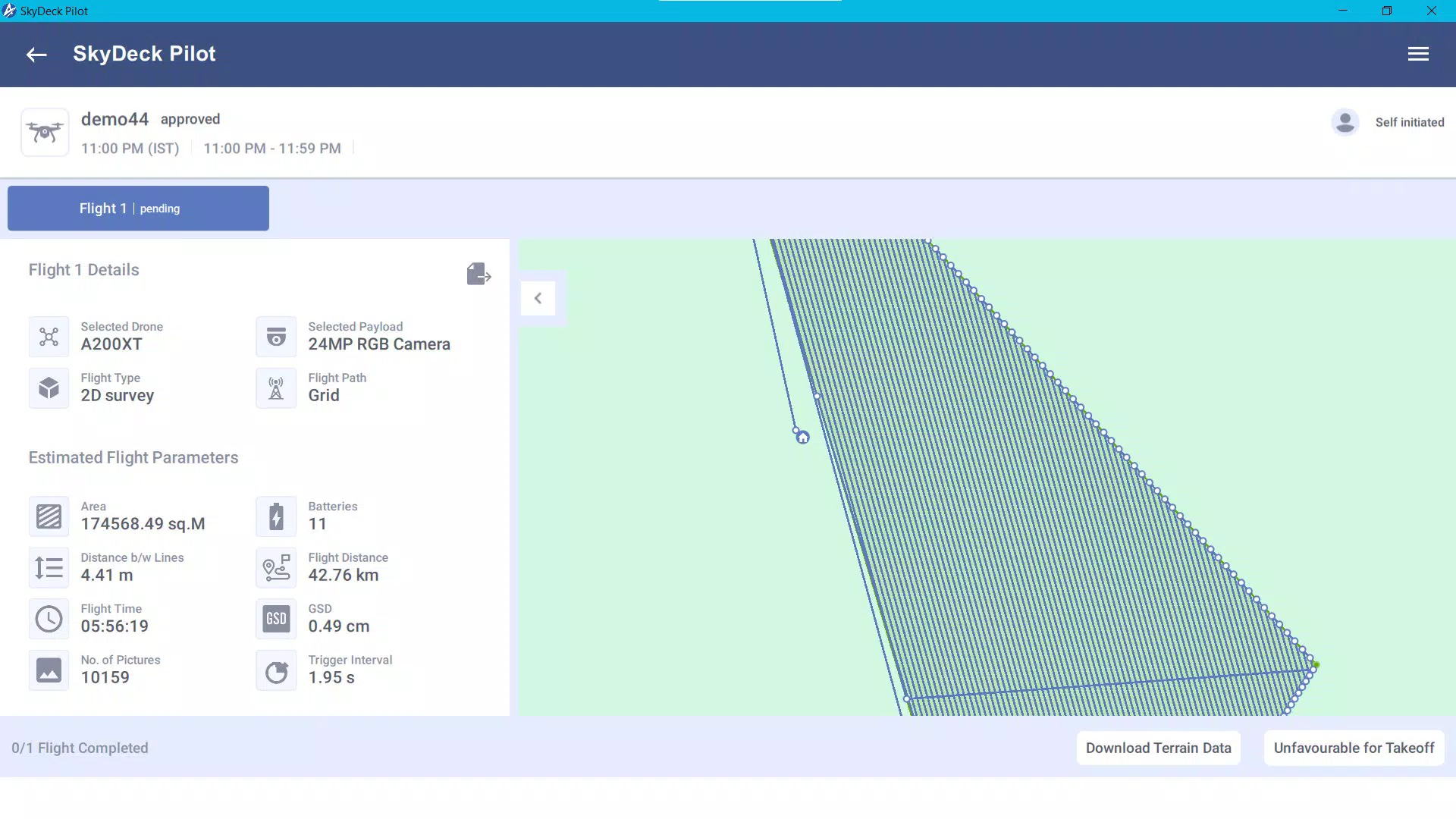
- Mission Execution: The app enables direct mission execution through a guided interface, reducing the risk of procedural errors. Pilots can follow step-by-step instructions, ensuring compliance with operational protocols.
- Data Uploading: Post-mission, users can securely upload collected data—such as flight logs, images, or sensor readings—back to the SkyDeck web application. This ensures that field data is promptly archived and available for reporting or analysis.
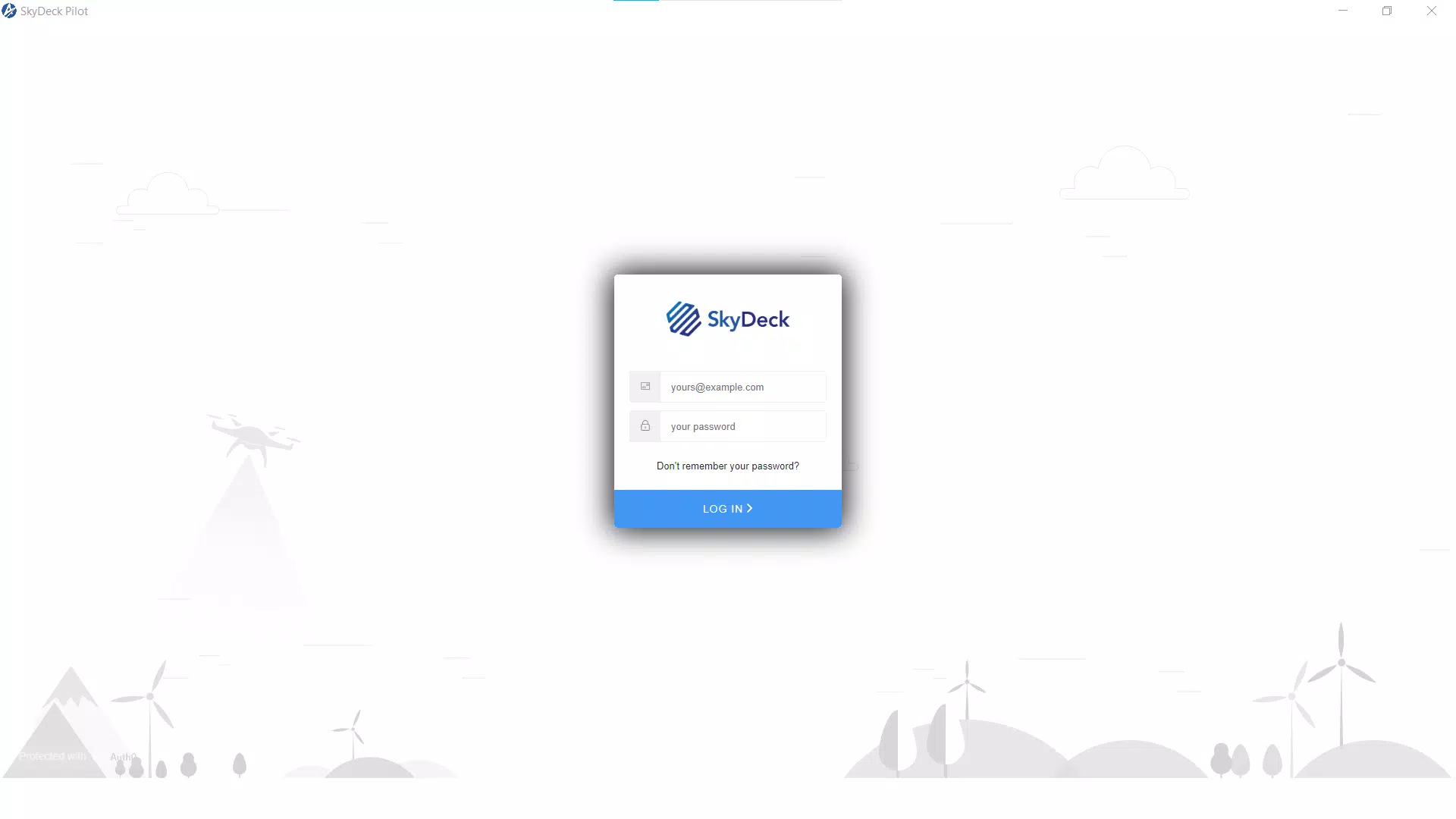
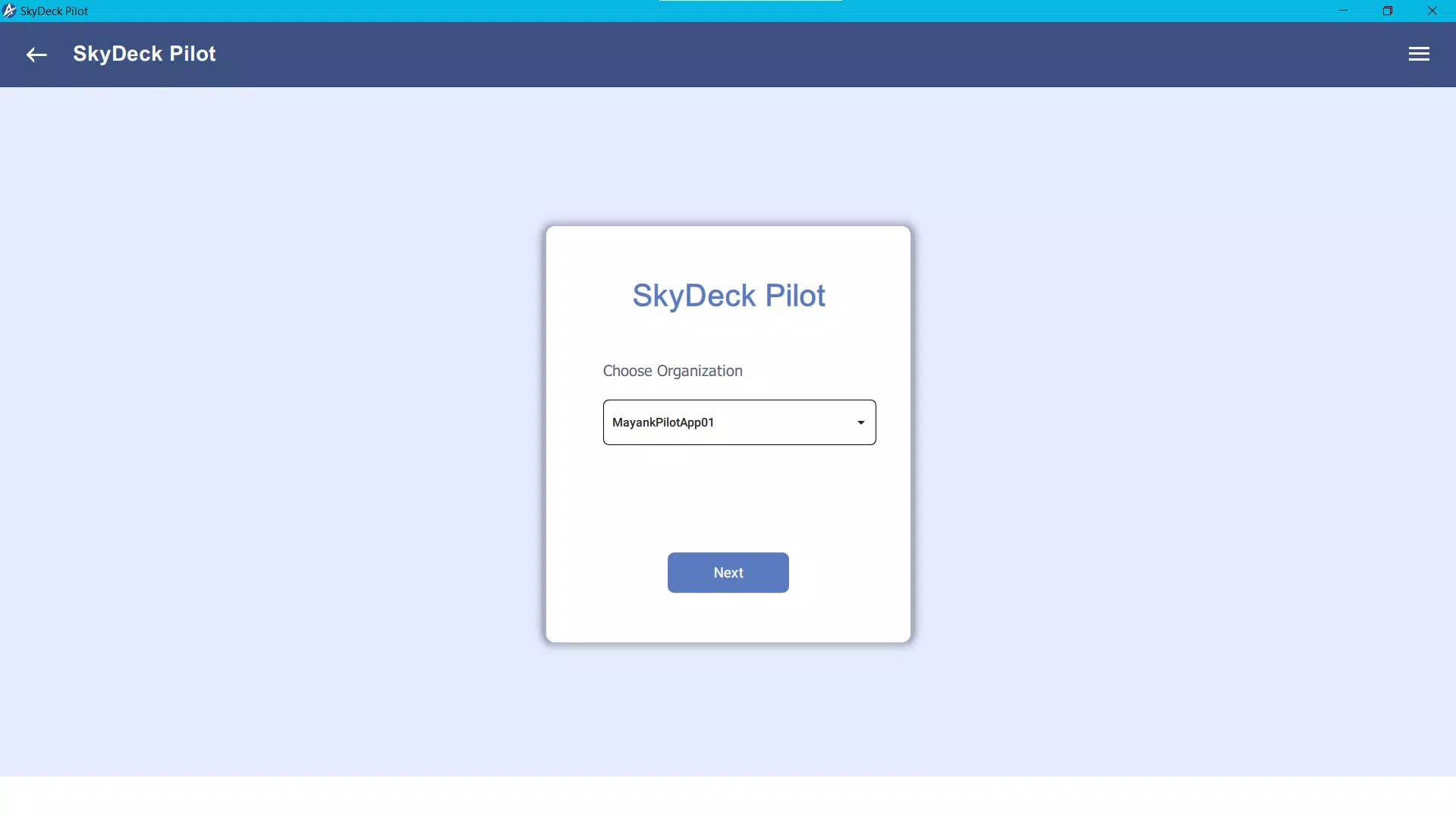
- User Authentication: Access is restricted to authorized personnel via SkyDeck login credentials. This ensures that only verified users can view or interact with sensitive mission data, maintaining data confidentiality and regulatory compliance.
- Intuitive Interface: The app features a clean, modern design that simplifies navigation for both novice and experienced users. The layout is optimized for touch-based interaction, minimizing the learning curve and enabling quick adaptation during field operations.
For example, a surveyor conducting daily inspections at multiple construction sites can use the app to switch between missions, execute each flight with confidence, and upload results immediately after landing—eliminating manual data transfer and reducing the chance of loss or delay.
Interface, UX & Performance
The SkyDeck App presents a streamlined user interface with a focus on clarity and task efficiency. The layout is organized around mission-centric workflows, with clear visual cues and logical navigation paths. Key actions such as starting a mission or uploading data are accessible from the main screen, minimizing the number of taps required to complete critical tasks.
Visual design elements are minimal and functional, emphasizing readability and quick information retrieval. Icons and labels are consistent across screens, supporting intuitive interaction. The app’s responsiveness is designed to support real-time operations, with minimal lag during mission transitions or data uploads.
Although the developer did not list formal performance metrics, the app appears optimized for use on standard mobile devices used in field environments. Stability during extended use and data transmission has not been publicly documented, but the app’s secure login and structured workflow suggest a focus on reliability. Users can expect consistent behavior across different screen sizes and device types, though specific compatibility details were not provided.
Platform Compatibility & Technical Requirements
The SkyDeck App is available on Android and iOS platforms, supporting modern mobile operating systems. The current version is not specified, nor is the exact file size. The app requires a SkyDeck account to function, and users must have valid login credentials to access its features.
Specific requirements such as minimum OS version or device specifications were not listed. The developer did not provide detailed technical information regarding hardware compatibility, battery consumption, or background processing behavior. Users are advised to ensure their device meets general standards for running productivity and connectivity-intensive mobile applications.
Pros and Cons
Pros
- Seamless integration with the SkyDeck web platform for unified operations.
- Real-time access to assigned missions improves task coordination.
- Secure login via SkyDeck credentials enhances data protection.
- Intuitive interface supports quick onboarding for new users.
- Efficient data upload functionality reduces post-flight delays.
Cons
- Compatibility details such as OS version and device requirements were not disclosed.
- No public information on app performance under low connectivity conditions.
- Requires a pre-existing SkyDeck account—limited to users already in the ecosystem.
- Functionality is restricted to mission execution and data upload; no standalone features.
- Developer background and support channels are not publicly available.
FAQ
Is the SkyDeck App free to download?
The pricing information was not provided. Users should consult the app store listing for current pricing and availability.
Can I use the SkyDeck App without a SkyDeck account?
No. The app requires valid SkyDeck login credentials to access missions and data. It is not available for standalone use.
Is the app secure for handling sensitive flight data?
Yes. The app uses SkyDeck authentication to ensure only authorized users can access mission information, protecting sensitive operational data.
Does the app work offline?
The developer did not specify offline functionality. Mission execution and data upload may require an active internet connection.
How often is the SkyDeck App updated?
Update frequency was not disclosed. Users should check the app store for the latest version and release notes.
Final Thoughts
The SkyDeck App delivers a focused, professional solution for drone operators who rely on structured mission workflows. Its integration with the SkyDeck ecosystem, combined with secure access and real-time data synchronization, makes it a valuable tool for enhancing operational efficiency. While it lacks broad accessibility due to its account-based model, it excels in its intended use case—supporting disciplined, data-driven drone operations.
For experienced pilots and field teams already using SkyDeck, this app offers a practical mobile extension that reduces administrative overhead and strengthens mission accountability. Its intuitive design and clear functionality make it a reliable companion in demanding operational environments.
Download Skydeck App now


